PHNTM Mentor. How to find the answer, not just the answer.
PHNTM Mentor brings together PHNTM Tutor for learners and tools for parents and teachers. A learner tries a problem, gets help that teaches, checks why a method works and proves it later on a different problem. Lessons and grading run on the device, with no cloud fallback.
A linked curriculum in five subjects, checked on the device.
Open Tutor from its own tab in the navigation rail, or from Home or Help. Difficulty follows demonstrated work, not age. Short daily sessions mix review, prerequisite repair and new learning.
Try it. Get help that teaches. Prove it alone.
Choose a learner, an optional nickname and a learning goal. Start with a short lesson or a diagnostic, or tap Continue learning to pick up where you left off.
View the original device photograph
Try an answer
Enter an answer and, if you like, your worked steps. Equivalent valid answers and methods are accepted. Ambiguous, unfinished or unsupported work is identified explicitly.
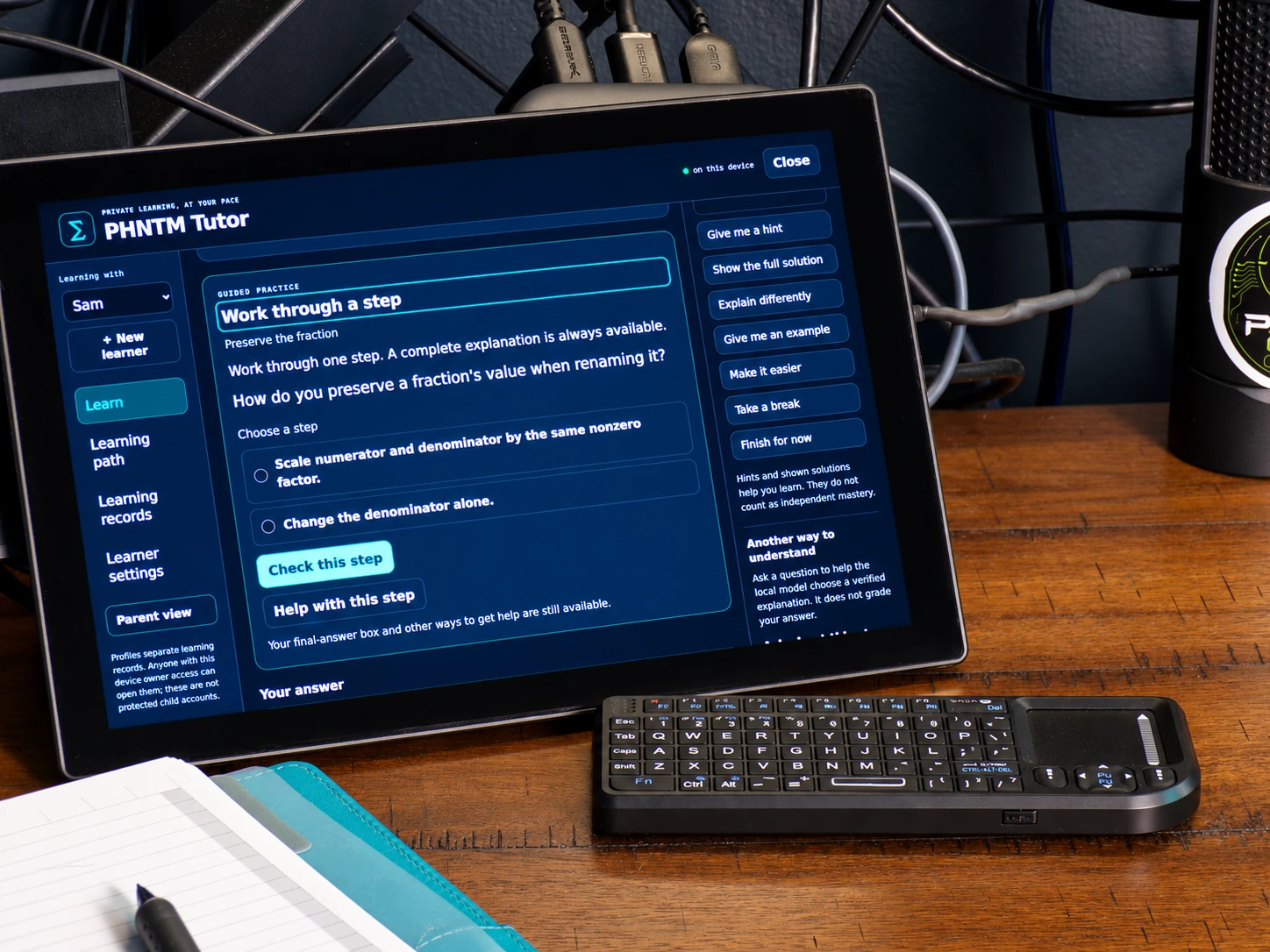
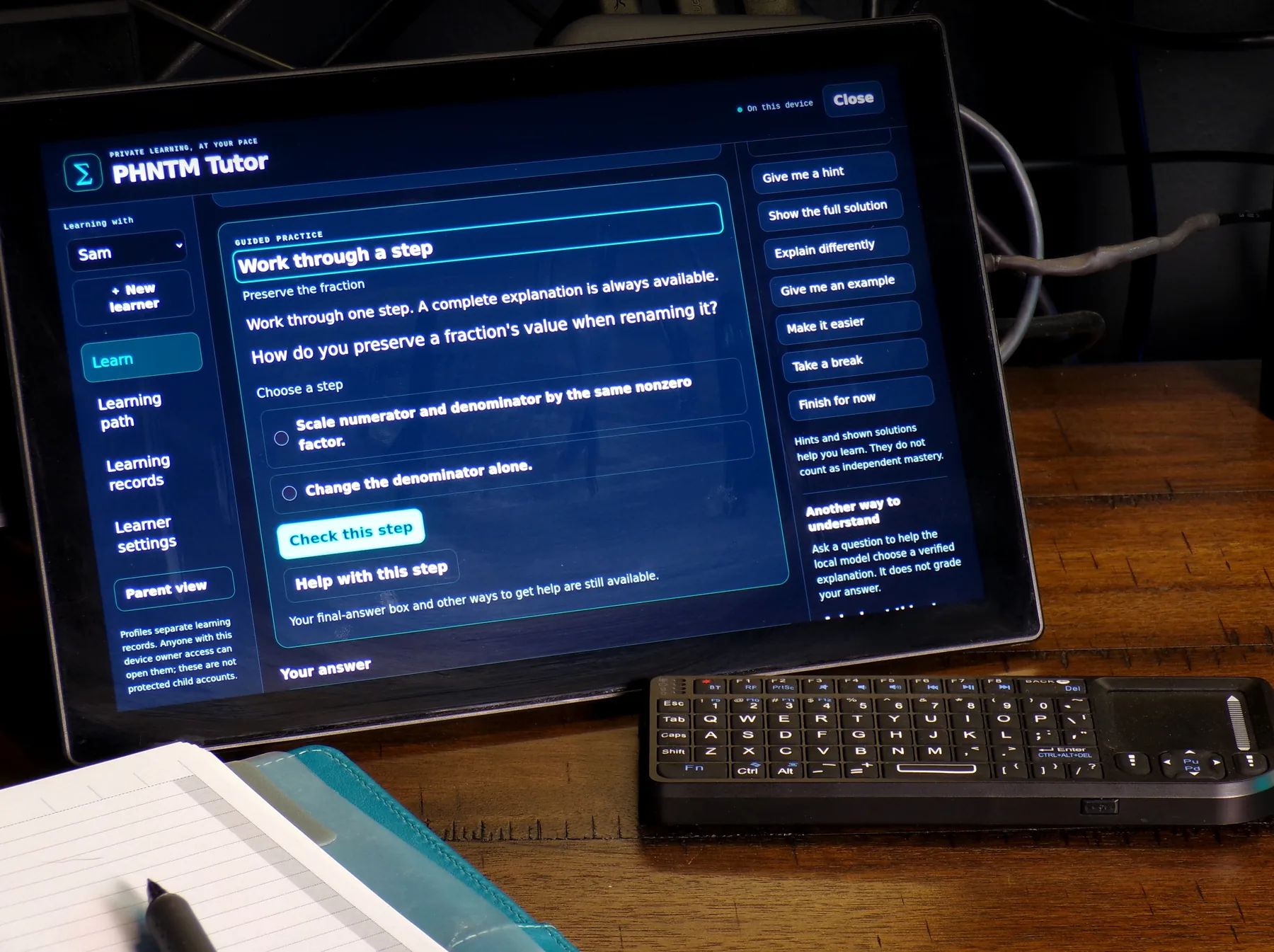
Work through a step
Guided questions with verified choices walk through the method. Ask for a stronger hint, a complete solution, another example, an easier problem or a break.
Why does this work?
An understanding check asks for the mathematical reason. You can skip it. Answers, help and understanding checks are recorded separately.
Prove it alone
A different transfer problem checks independent work. Demonstrated work needs repeated independent success on varied problems; later review checks retention separately.
- A repeated error, not a label. The same error on different problems can lead to a targeted check and prerequisite teaching. One uncertain response does not label a learner.
- Help is part of the record. Hints, coaching and shown solutions are recorded as assistance, and progress shows the attempts behind it.
- Graph lessons use equal unit axes to read points, find slope and apply bounded linear rules. Search the learning path or filter by topic.
- Learning preferences. In learner settings, choose short, standard or longer rounds; a balanced explanation, another explanation or a separate example first; and standard or large text. Student accounts can change these too. They are explicit choices, not an inferred learning style.
Bring the worksheet.
Type one supported problem, or select a ready Library page or an explicit camera crop. Inspect and correct the extracted text, then confirm it before tutoring starts.
- Checked, not guessed. Text recognition can confuse symbols; unreadable or unsupported input is not silently guessed.
- The original stays with the learner. The selected text or photograph is kept alongside the confirmed problem, and a retry reuses it.
- Or write it by hand. Write a problem by hand takes a finger, pen or mouse and saves the original ink with the learner. An empty reading stays empty: correct or type the complete problem and confirm every symbol before practice.
- Camera optional. With your own USB webcam (not included), Tutor’s Use a camera saves the worksheet photo you capture there with that learner. Without a camera or local text recognition, typed input still works. Camera and Library access remain owner tools.
- A worksheet answer is practice, not a controlled mastery assessment.
The Parent view and separate learning sign-ins.
PHNTM Mentor is the name for the whole set: PHNTM Tutor for the learner and, for the adult beside them, the Parent view, a weekly report, practice plans, learning paths, assignments and separate learning sign-ins. On the device you find these in Tutor, its learner settings and the Parent view; there is no separate Mentor screen.
View the original device photograph
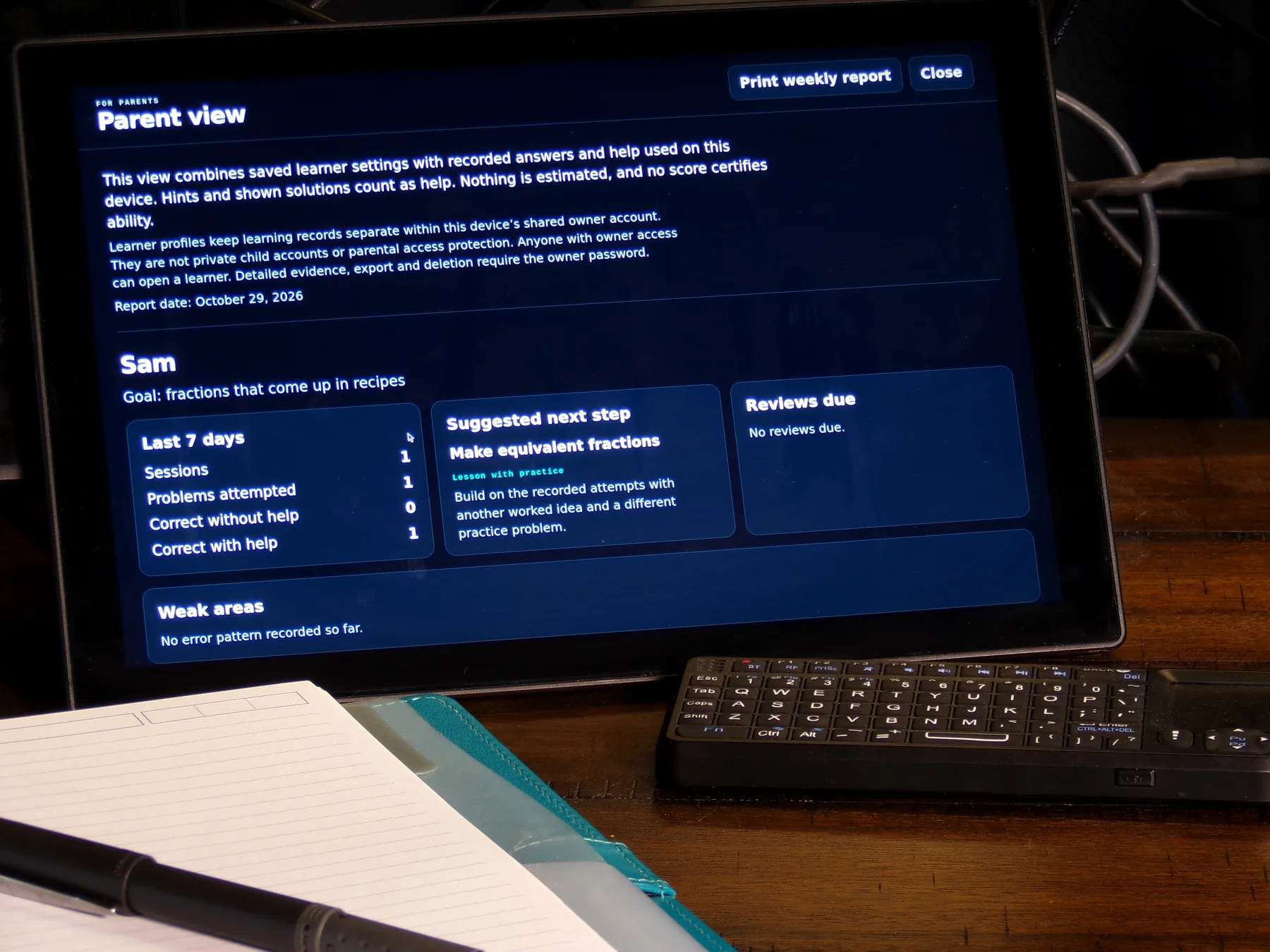
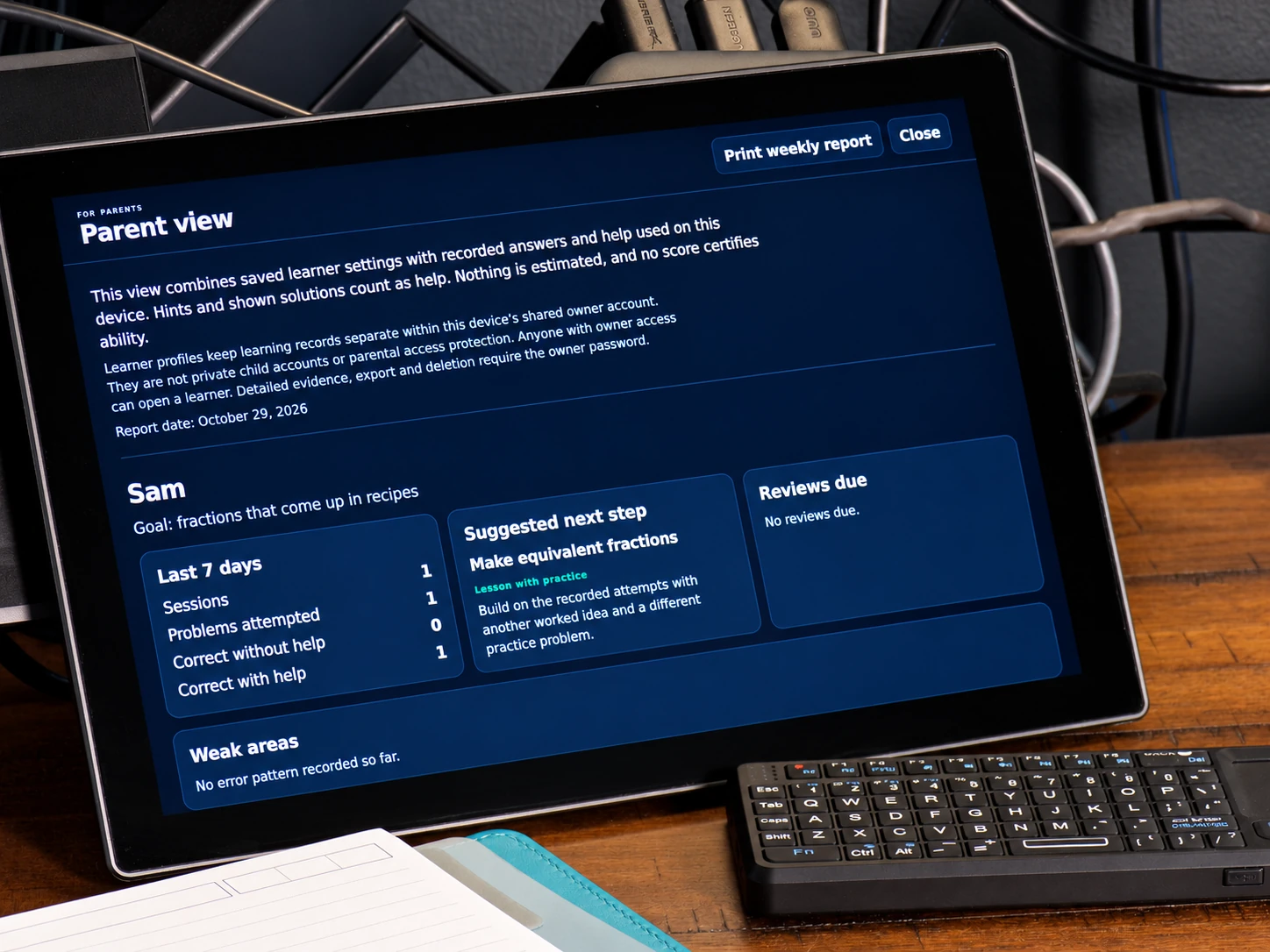
Every learner, at a glance
The Parent view brings together learners, progress, due reviews, suggested support and a printable seven-day report, whose window is identified when elapsed time is known. Progress summaries are read-only; you can edit a learner’s goal there. It uses the same owner sign-in, not a separate parental account.
Practice plans
Save an ordered plan of up to 12 existing lessons, with optional practice weekdays. Daily learning still puts review and prerequisite repair first. Weekdays are an advisory schedule, not automatic reminders; an unverified device clock is shown explicitly.
Nine learning paths
Preview nine learning paths across five subjects. Their 38 units group the same taught skills, including five mathematics paths with 22 units; they are not complete school-grade courses. Using a unit replaces only the practice-plan draft; review the lesson order, then choose Save practice plan.
Practice assignments
Set a target of 1–20 different answered problems for a mathematics skill, or 1–6 for a source-evidence lesson, with an optional due date. The count measures participation, including wrong answers and answers with help; it does not establish correctness, understanding or mastery.
Separate student sign-ins
Open Manage education accounts in Parent view. A student account practices as one learner. Learner profiles organize records in the household owner account, and the household owner can still open family learning records.
Teacher accounts
A teacher account can read reports, set plans, assign practice and review explicitly submitted written work for its assigned learners. Teachers cannot answer as a learner or open student handwriting originals.
Rubric observations
Submit typed work; its original text is preserved. An assigned teacher can record human observations about claim, evidence, organization and clarity, with a comment and their authenticated identity. The text stays objectively ungraded, and the review adds no automatic mastery credit.
Printable practice sheets
Printable practice activities prepares a question-only sheet of 1–20 different problems and shows the actual count when its bounded bank supplies fewer. Owners and assigned teachers can separately open an answer key. Printing adds no learning evidence.
Hand this browser to a learner.
Use Hand this browser to a learner before sharing an owner browser. Continue to the separate learning sign-in only after the handoff is confirmed.
- On the device screen, the handoff protects household views. Returning to owner access takes the device password or the recovery code you wrote down at setup.
- Keep the recovery code away from students. A verified recovery code ends learning mode, so whoever holds that written code can return the screen to owner access.
- Wrong passwords switch the form off. Five wrong tries at the password form within a day of running switch it off until the device has run for a day since the last try. The recovery code has no day-long wait, but repeated tries can still require a brief pause.
- On a paired browser, the handoff signs that browser out of owner access; other paired owner browsers keep theirs.
Read a claim alongside its evidence.
Choose a claim and its supporting passage; a separate reason check records principle recognition. These are finite authored exercises: they do not grade arbitrary essays or certify broad subject mastery.
- English. Finding textual evidence and supported inferences, standard written-English subject–verb agreement and contextual word meanings.
- Science. Fair tests and data claims, animal structures and functions, and water-state observations.
- History and reasoning. Chronological reading and source comparison, NASA mission-date comparisons, invented map grids, stated rules and counterexamples.
- Levels and languages. Eight lessons have two reviewed challenge levels; the six newer lessons have one. Assessed English text and choices remain English under Italian or Spanish controls; science, history and reasoning material has native versions.
- Curriculum references. Five level-one lessons have reviewed partial CCSS, NGSS or C3 references. Other source lessons and all higher source levels have no reviewed curriculum-reference mapping.
Lessons stay on the desk.
Lessons and grading work locally, without a model. There is no cloud fallback.
The model never grades
Ask local tutor can ask the local model to choose a verified teaching explanation. The model cannot grade or publish its own mathematical claims.
Speech you review
Explicit speech recognition returns the words for review before they are submitted; a student’s short recording becomes an editable draft to correct and confirm. Read-aloud is local and keeps no speech cache of learner text. Tutor gives no ambient hands-free access to learner records.
Export and backup
Learner export and Take Everything include Tutor records, plans, assignments, sources, written work and rubric observations. The encrypted database backup also preserves education account configuration. Detailed evidence, export and deletion need the owner’s authorization.
Delete a learner
Deleting a learner removes their live Tutor records and revokes affected education access. Original Library files and older exports or backups are separate copies.
Kept out of Chat
Tutor does not automatically add learner material to Chat or Memories.
On by default, yours to change
Guided solving, understanding checks and the Parent view are enabled by default. Each can be switched off individually in the device settings file.
What Tutor is, and what it isn’t.
- Finite, authored content. The curriculum covers the 71 skills above. Source-evidence lessons do not grade arbitrary essays or certify broad subject mastery.
- Common Core references are partial. They describe partial reviewed content; their US grade numbers do not place a learner or certify full standard coverage. The learning paths are not complete school-grade courses.
- Separate sign-ins, one household. Learner profiles organize records in the household owner account. The household owner can still open family learning records, and the Parent view uses the same owner sign-in.
- Demonstrated work needs repeated independent success. “Independent” means no help used within Tutor, not proof that no outside help was used. Plans and goals do not establish mastery, and no score certifies a person’s ability.
- The model never grades math. Grading is exact arithmetic and supported symbolic checks. The local model can only choose a verified teaching explanation.
- No cloud fallback. Unsupported work is identified on the device; Tutor does not send the problem elsewhere.
- Recognition can misread. Text and handwriting recognition can be wrong or unavailable; you confirm the problem before tutoring. Recognition quality and learning outcomes are unmeasured.
- Review timing depends on the clock. When elapsed time across restarts is unknown, review timing says so.
Before a learner sits down.
Does an AI grade the work?
Does Tutor need the internet?
What does it teach?
Which grade is it for?
Can each child have their own sign-in?
Can I use my child’s worksheet?
A tutor on the desk. The evidence on the screen.
Order your PHNTM One. Each unit must complete a 72-hour burn-in before shipment. $799 once, with no required subscription for local use.
$799 one-time · ships within 6–8 weeks after payment (EU: pre-order) · free US shipping · ships worldwide · 30-day returns